
pointcraftcloud.com/product
Product
One web platform for corridor LiDAR, panoramas and deliverables.
View, measure, extract and deliver from mobile-mapping data in the browser — for your team and your clients, on any connection.
View, measure, extract and deliver in the browser — on any connection.

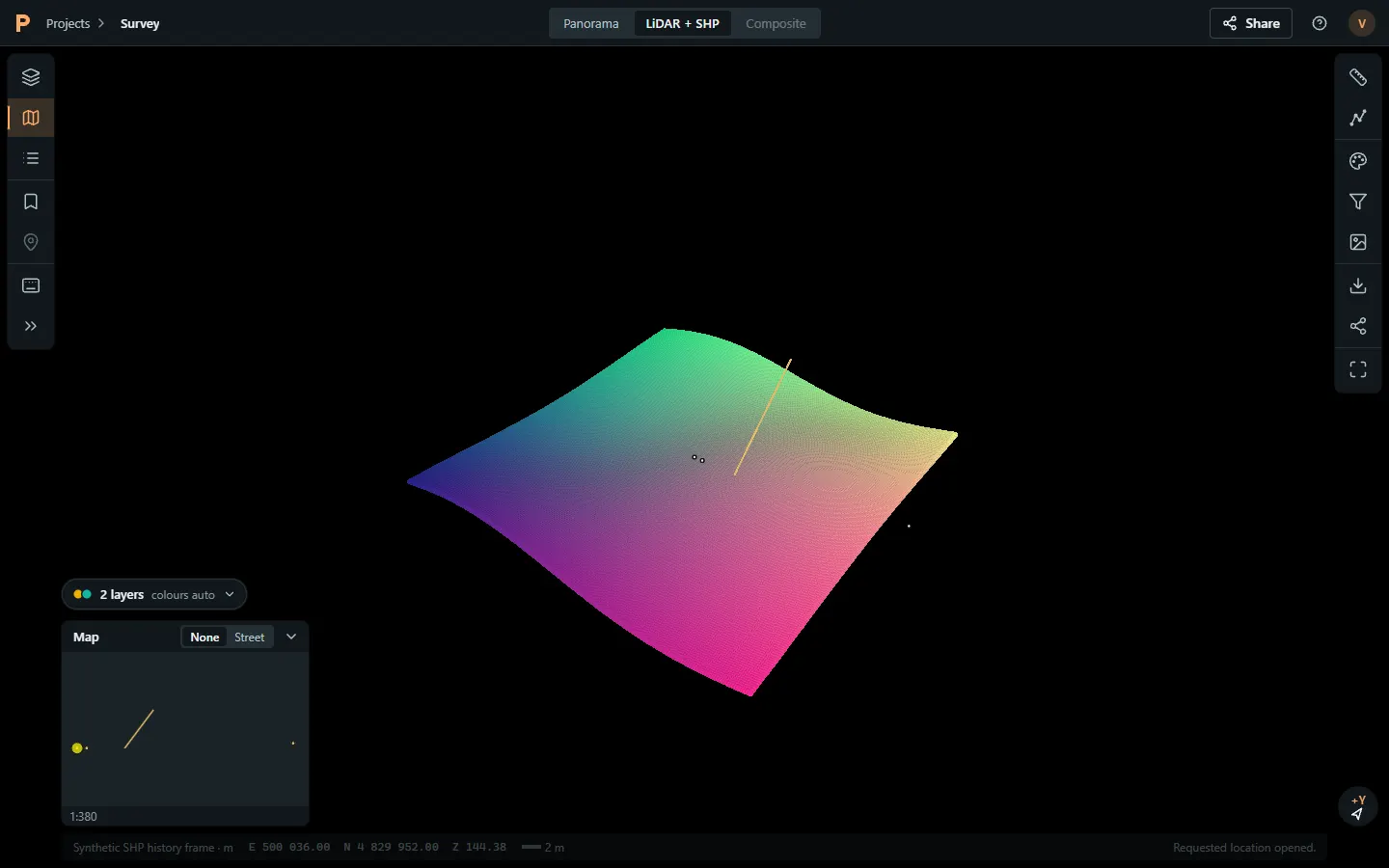
Viewer
Web LiDAR viewer that streams, not downloads.Streams, not downloads.
Level-of-detail streaming opens only the clouds near your view, so whole-corridor projects stay responsive in an ordinary browser tab.
Opens only the clouds near your view, so whole corridors stay responsive.
-
 Many-cloud projects, opened as one corridorMany-cloud projects as one corridor
-
Elevation, intensity and RGB colouringElevation, intensity, RGB
-
Basemap on or off,
fly-to and saved views
-
Works on laptops, tablets and phonesPhones, tablets, laptops
Panoramas & Composite
Street-level panoramas, aligned with the cloud.Panoramas aligned with the cloud.
Step station to station along the run. Composite draws LiDAR points and your vectors over the photo, Street-View style, so a field engineer can check an asset in seconds.
Step station to station; Composite draws points and vectors over the photo.
-
Fast first view on
long panorama runs
-
Next / previous station steppingNext / previous station
-
Composite: points + vectors over the photoPoints + vectors over the photo
-
Faces and plates blurred before publishingFaces and plates blurred
Extraction
Digitise assets where the data lives.
Point, polyline and polygon tools with snapping and tracing, attribute forms built from your schema, topology checks and full undo. Every edit is tracked.
Snapping, tracing, attribute forms, topology QA and undo.
-
Vertex, edge and intersection snappingVertex, edge, intersection snapping
-
Attribute forms and pick listsAttribute forms
-
Topology QA before
export
-
Edit history per featureEdit history
Measure
Measurements your design team can trust.Measurements you can hand to design.
Distance, point, height difference, slope and XY area directly on the cloud. Export results with coordinates to CSV or DXF.
Distance, height, slope and area; CSV and DXF export.
-
Distance, height,
slope, area
-
Coordinates in the
project CRS
-
CSV and DXF export
-
Shared views to point a colleague at the exact spotShared views
Sharing
Share with clients without losing control.Share without losing control.
Invite-only projects, roles, groups and per-layer access. Links never expose account IDs, access can expire, and everything is logged.
Invite-only, roles, per-layer access, expiry, audit log.
-
Admin, Editor and Viewer rolesAdmin, Editor, Viewer
-
Groups and per-layer
permissions
-
Access expiry datesAccess expiry
-
Project audit log
Pipeline
Publish whole projects with one command.Publish with one command.
The push tool tiles large LAS files, uploads in parallel and resumes after interruptions, then registers the project — no portal uploads, no shipping drives.
Tiles large LAS, uploads in parallel, resumes after drops.
-
Tiles LAS of any
size into streamable pieces
-
Resumable, parallel uploadResumable upload
-
Queue-based
publishing survives restarts
-
Operator-run today; self-serve laterOperator-run today
Formats
Works with what your system already produces.
Next step
See PointCraft on your own corridor.
Book a 30-minute demo, or send one corridor and we publish it in 48 hours.