
industries/fibre & telecom
Fibre & telecom make-ready
Make-ready data your design team can use the same week.
Publish the route’s LiDAR and panoramas once. Inventory poles, strand and anchors, check attachment heights and clearances, and deliver CAD in the owner’s template — all in the browser.
Inventory poles, strand and anchors, check heights and clearances, deliver CAD in the owner’s template.

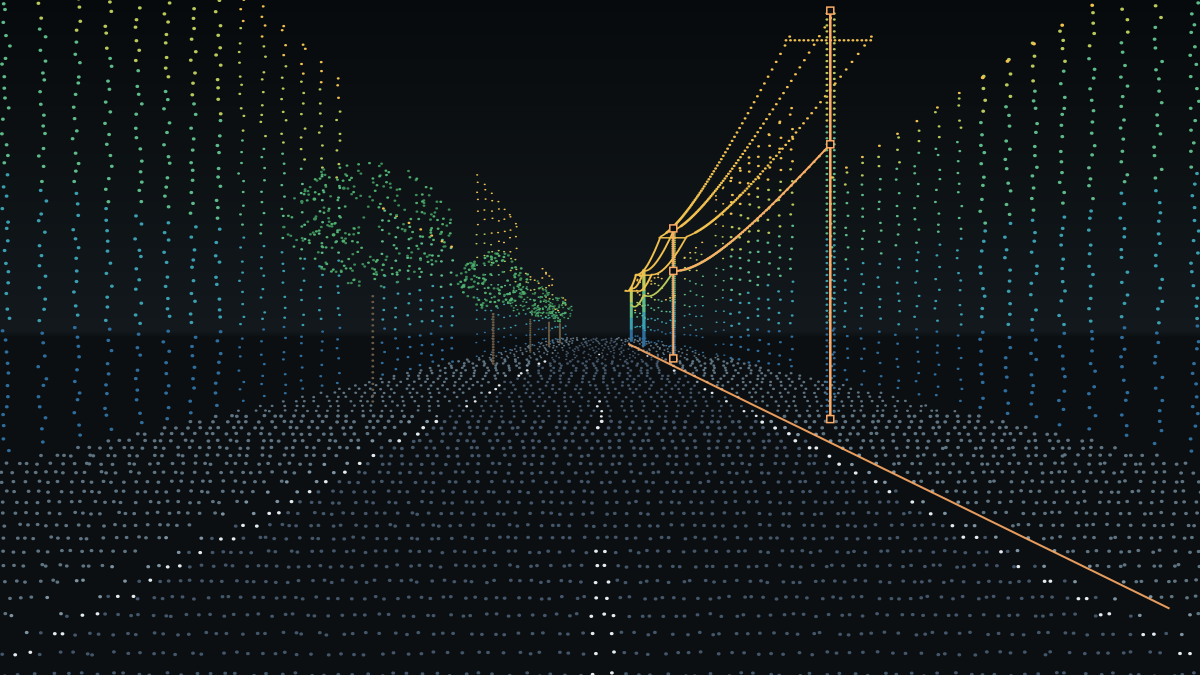
The job
What make-ready teams need from a drive.

Pole & attachment inventory
Every pole along the route with owner, material and attachments captured as attributes — not as notes on a photo.
Every pole with owner, material and attachments as attributes.

Heights & clearances
Attachment heights, mid-span sag and clearances measured on the cloud and checked in the panorama.
Measured on the cloud, checked in the panorama.

Design in the owner’s templateOwner’s CAD template
DXF/DWG with the owner’s layers and blocks, in the right coordinate zone, ready for the design package.
DXF/DWG with the owner’s layers and blocks.
Workflow
From drive to design package.
-
01

Drive the route
Any mobile-mapping system. We take LAS/LAZ, panoramas and the trajectory.Any mobile-mapping system.
-
02

Publish
One push; the route opens as a single corridor link for office, field and client.One push, one corridor link.
-
03

Extract poles, strand, anchorsExtract
Snapping, attribute forms and QA checks built from your pole schema.Poles, strand, anchors with QA.
-
04

Deliver
DXF/DWG in the owner’s template, SHP and CSV attribute tables.DXF/DWG in the owner’s template.
Deliverables
Outputs in the formats your design package needs.
Other industries


Next step
Bring one route. See it in the browser.
We publish one fibre route in 48 hours and export a sample in your owner’s CAD template.